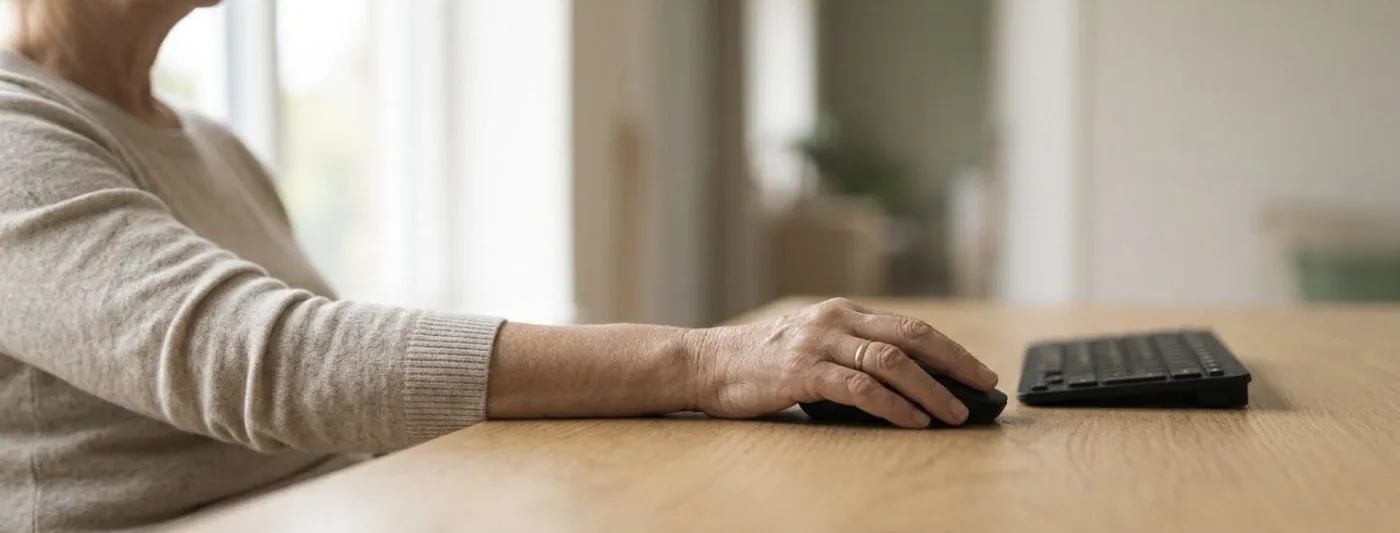
What lies behind the word mouse arm?
Mouse arm is not an illness of its own but an umbrella term. It describes pain, tension or tingling in hand, forearm, elbow, shoulder and neck that appear during long screen work. A clearly nameable illness can lie behind it, or none, because the term describes the circumstances and not the cause.
In the specialist literature the same group of complaints is called CANS, complaints of the arm, neck and/or shoulder. What is meant are complaints in arm, neck or shoulder that come neither from an accident nor from a general illness. The name is deliberately descriptive, because it claims nothing about the cause.
The older term repetitive strain injury, RSI for short, was criticised for two reasons. First, there is often no injury at all but overloaded yet intact tissue. Second, repetition is not the only trigger. Holding work is just as demanding: the hours of barely moving tension in shoulder and forearm that a resting hand on the mouse asks for.
- The term mouse arm describes a situation, not a diagnosis.
- There is no X-ray and no blood test that shows a mouse arm.
- Two people describing the same complaints can have quite different findings.
Which diagnoses can lie behind it?
Very different findings can lie behind the same complaints: an irritated tendon at the thumb, a painful tendon attachment on the outside of the elbow, a narrowed nerve, tense neck muscles. An international consensus paper distinguishes twenty-three such disorders. In many people none of them is found, and that is a normal finding.
- Tendon irritation at the wrist, often on the thumb side, with pain on gripping and turning.
- A painful tendon attachment on the outside of the elbow, see tennis elbow.
- Narrowing of the ulnar nerve at the elbow, with tingling in little and ring finger.
- Muscular neck complaints radiating into shoulder and upper arm.
- Irritation at the shoulder when the arm is held for a long time without support.
The most stubborn error: keyboard and carpal tunnel
Hardly any assumption holds on as well as this one: type a lot and you get carpal tunnel syndrome. A systematic review of the available studies comes to a different conclusion. For the claim that computer work causes carpal tunnel syndrome, the data are not sufficient. In one large population study the frequency was even higher among people with little keyboard work. No protective effect of typing can be derived from that either.
What counts as an occupationally established risk is something else: forceful gripping, very high repetition counts, and work with vibrating machinery. For mouse use the picture is mixed, and single good studies found a link with very long use times. So carpal tunnel syndrome can be present while someone works at a screen, without the keyboard having caused it.
That changes the expectation a great deal. Anyone who holds the keyboard guilty rearranges the workplace and is surprised that the numbness at night stays. How carpal tunnel syndrome is recognised is set out in its own article.
How do you set the workplace up in 20 minutes?
A tried and tested tip is to start at the bottom and work upwards: first the chair, then the desk, then where the forearms rest, then keyboard and mouse, and last the screen. Anyone who starts with the screen then adjusts the chair and usually begins again. About twenty minutes is enough for it.
- The chair first. Set the seat height so that the feet are flat on the floor and thigh and lower leg form roughly a right angle. About a hand’s width of space stays between the back of the knee and the edge of the seat.
- The desk height next. With the shoulders hanging, the forearms lie horizontally on the top, the elbow at about a right angle. Usual desks stand at around 72 centimetres and are therefore too high for many. If the desk is fixed, set the chair higher and put a footrest underneath.
- Rest the forearms. In front of the keyboard you need around 10 centimetres of free surface. If the forearms rest, the desk carries the weight of the arm; otherwise the neck muscle carries it, for eight hours.
- Set the keyboard flat. The rear feet stay folded in. A raised keyboard pushes the wrists upwards, and it is exactly that extension which narrows the space in the wrist.
- The mouse close to the body. It belongs directly beside the keyboard, not behind the number pad. The upper arm hangs vertically, the elbow stays at the trunk. A compact keyboard gains several centimetres for this.
- Set the screen distance. 50 to 70 centimetres, roughly an outstretched arm’s length. If the distance is too short, the head moves forward, and every centimetre the head comes forward loads the neck.
- Set the screen height. The top line sits at most at eye level, the gaze goes slightly downwards. Tilt the screen back a little so that the surface stands at a right angle to the line of sight.
- Add to the laptop. A laptop allows either a good screen or a good hand position, never both. Connect an external keyboard and mouse, raise the laptop and use it as the screen.
- Light last. The screen stands at right angles to the window. A window behind you reflects, a window behind the screen dazzles, and the body answers both with an evasive position of head and neck.
Check the result again after two days. An unfamiliar setting often feels wrong on the first day, even when it is right.
In Switzerland the Labour Act requires employers to arrange workplaces ergonomically. In the view of SECO, the Swiss state secretariat for economic affairs, that applies in principle to screen work in the home office too; the details are for the employer to settle. The law prescribes no measurements in centimetres, so anyone raising a need appeals to the duty and not to a table.
What does ergonomics at the workplace really achieve?
Less than the guides promise, and more than nothing. A large review found moderate evidence that a forearm support together with a different mouse reduces neck and shoulder complaints. For an alternative input device on its own, for ergonomics training and for sit-stand desks, the evidence was weak or absent.
The review summarised fifteen studies of office workers, almost all at high risk of systematic error. That does not mean ergonomics has no effect; it means the studies are too small and too imprecise to establish an effect or express it as a percentage.
What stands out is which combination did best: a forearm support together with a different input device. The two together take holding work off the shoulder girdle. That fits what people describe, and it fits the observation that a different input device alone does not make the difference.
What do breaks and changes of movement achieve?
The body tolerates almost any position, but none for hours. Short interruptions of one to two minutes every half hour take the static tension out of neck and forearm. The evidence for this is weak, because hardly anyone can run such studies cleanly; since the effort is small and there is no risk, we recommend the breaks anyway.
In screen work the muscles work statically. The neck holds the head, shoulder girdle and forearm hold the arm and the hand over the mouse. These muscles barely move but stay tensed. A muscle under lasting tension has a poorer blood supply than one that tenses and lets go in turn.
- After every half hour stand up briefly, let the arm hang and release the shoulders once completely.
- Take phone calls standing or walking; that is the simplest break, and it does not show up in the calendar.
- Mix tasks rather than doing the same hand movement for four hours at a stretch.
- Trigger commands you use often from the keyboard; that saves mouse movements.
For the neck, what movement achieves is better studied. A Cochrane review found that strengthening exercises for neck, shoulder and the region of the shoulder blade work in persisting neck pain. Stretching alone achieved little in the same analyses, which is why a programme of stretching alone falls short.
Why can changing the input device help?
Every input device has its own pattern of loading. A flat mouse turns the forearm inwards, and the laptop keyboard forces the wrists upwards. Switch between two devices and you spread the load over different structures instead of asking one to carry the whole day.
The usual flat mouse requires the palm to face downwards. For that the two forearm bones cross, and the muscles that hold that rotation work all day. A vertical mouse, where the hand rests on its side as in a handshake, reduces that rotation. Whether it prevents complaints is an open question.
The benefit lies less in the individual device than in the change. A second input device that you bring out in the afternoon shifts the load onto other muscles and tendons.
What part do stress and the amount of work play?
Time pressure, a high workload and little influence over your own day are among the circumstances in which neck and arm complaints appear more often. Under tension people hold their shoulders higher and take fewer breaks, and even a very well set-up desk does not make up for that.
The Swiss guidance on health protection names two things side by side for screen work: the strongly repeated hand and arm movements, and the fixed position of head and body. Psychological load comes on top as a factor of its own in occupational medicine analyses, because it reinforces both.
Anyone under pressure holds the mouse more tightly and stands up less often. That is not a reproach to the people affected but a pointer to where a measure has to start once the workplace is already well set up.
- Fixed blocks for concentrated work, with tasks using a different hand movement in between.
- Plan meetings five minutes apart, so that a movement break has room at all.
- At the end of a long day, deliberately cut the remaining mouse work rather than pushing through.
In the home office part of the natural interruptions falls away: the walk to the meeting room and the trip to the printer. Those walks were never meant as breaks and still worked like them. They are missing now and have to be replaced deliberately.
When do you have to have the complaints assessed?
See your doctor if numbness or tingling lasts longer than a few days, if objects fall out of your hand, if a muscle pad visibly shrinks, or if the complaints are unchanged after four weeks with an adapted workplace.
Your doctor makes the diagnosis, never the therapy and never a guide on the internet. With an umbrella term such as mouse arm that matters more than usual, because the possible findings lie so far apart. An irritated tendon and a narrowed nerve need different treatments.
With a prescription, the work in hand therapy is about following how the workplace loads you, treating the affected structure specifically, and rebuilding what it can take step by step. We look at how you actually sit and grip, not at how an information sheet says it should be. Arrange an appointment through the booking page.